How to Buy a California Fishing License Online
Let's be honest, the thought of trying to navigate government websites for licenses can be a real headache, often leading to frustration and delays that cut into your precious fishing time. Nobody wants to deal with a confusing process or stand in line when they could be out on the water. This comprehensive guide is here to walk you through the entire process of buying your California fishing license online, making it as smooth and stress-free as possible so you can get back to what you love doing.
Why Go Online for Your California Fishing License?
In this modern age, who really wants to drive around looking for a license agent, only to find they're closed or have a long line? Buying your California fishing license online isn't just a convenience; it's often the most efficient and reliable way to ensure you're legally ready for your next adventure. It cuts out a lot of the traditional hassle and gives you more control over the process.
Convenience and Accessibility: Fishing from Your Couch
Imagine this: it's late Friday night, you just decided on a spur-of-the-moment fishing trip for Saturday morning, and all the local tackle shops are closed. This is where the online system shines. You can literally purchase your fishing license, report cards, and any necessary stamps from the comfort of your own home, any time of day or night. All you need is an internet connection and a printer. This flexibility means you're never scrambling at the last minute, and you can plan your trips with far less stress. It’s also incredibly helpful for those who live in more rural areas, far from official Department of Fish and Wildlife (CDFW) offices or licensed vendors. Instead of a 30-minute drive, you're just a few clicks away from being compliant.
Avoiding Long Lines and Agent Hassles
We've all been there: you roll up to a bait shop or sporting goods store, eager to grab your license, only to find a line stretching out the door. Or, even worse, the agent is new, and the process takes ages. When you buy your license online through the CDFW's Automated License Data System (ALDS), you completely bypass these potential frustrations. You're in control of the pace, and there's no waiting involved. This is especially valuable during peak seasons, like trout openers or the start of salmon season, when physical locations can be swamped. Plus, it eliminates any potential confusion or errors that might arise from a less-experienced agent. You can focus on accuracy as you input your own details, double-checking everything before you hit submit.
Real-Time Updates and Accuracy
Another huge benefit of the online system is that you're directly accessing the most up-to-date information and regulations. The CDFW system is the official source, so you know you're getting the correct license types, pricing, and any current requirements. There's no risk of an outdated form or misinformed agent. The system will guide you through adding any necessary items like an California Ocean Enhancement Stamp or specific report cards for species like Dungeness crab or white sturgeon. This ensures you're fully compliant with all the intricate California Fishing Regulations Explained without having to second-guess. The online platform often flags potential issues, helping you ensure that all required fields are correctly filled out, reducing the chances of a voided license later on.
Step-by-Step Guide to Buying Your License Online
Navigating a new online system can feel daunting, but the CDFW has made significant strides in making their Automated License Data System (ALDS) user-friendly. Don't worry, I'll walk you through each step, making sure you know exactly what to expect from logging in to finalizing your purchase.
Navigating the CDFW Licensing System
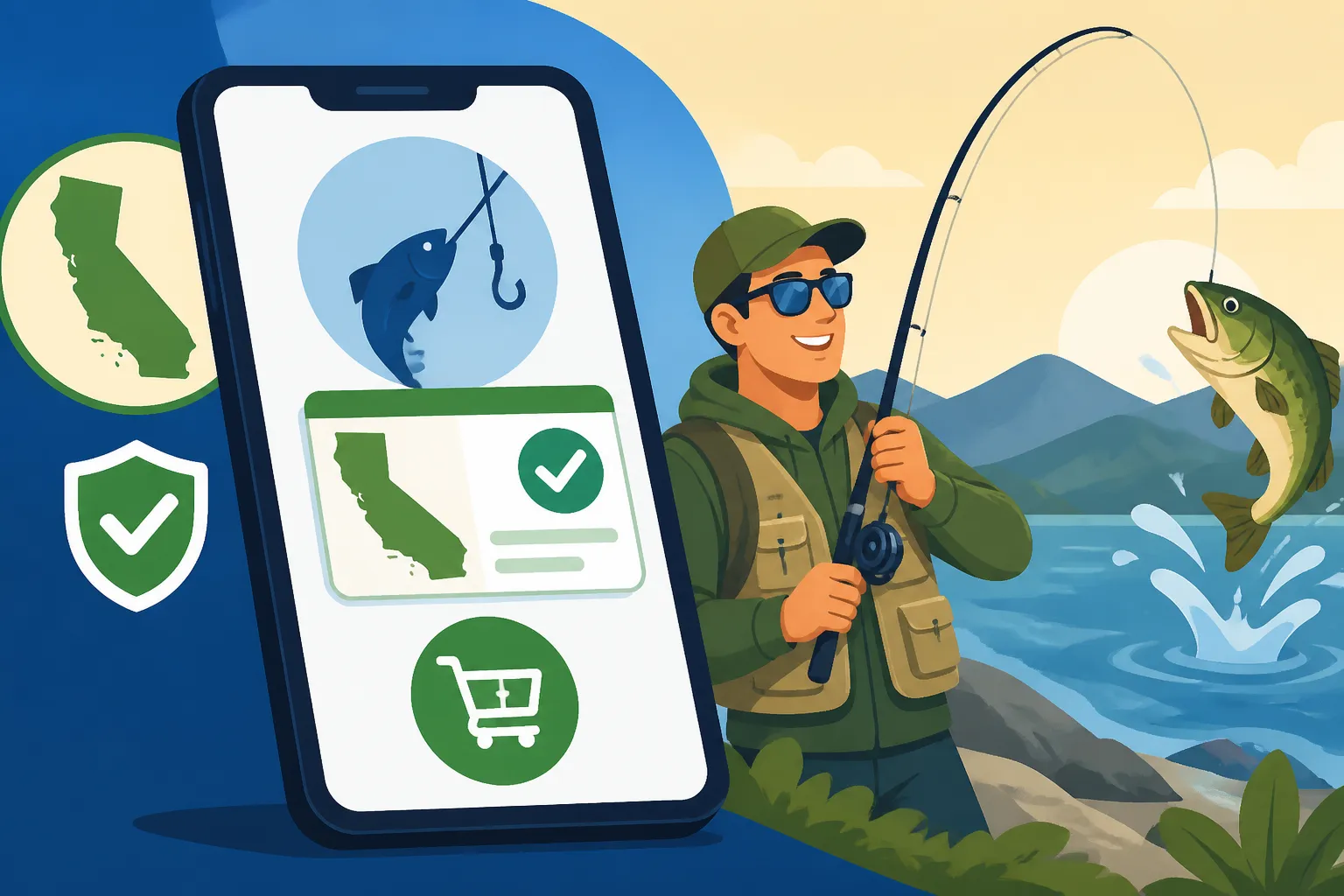
First things first, you'll need to head over to the official California Department of Fish and Wildlife (CDFW) website. Look for the "Online License Sales" or "License and Permits" section. Once you click on it, you'll be directed to the ALDS portal. If it's your first time, you'll need to create a customer account. This usually involves providing some basic personal information like your name, date of birth, driver's license number (or other ID), and contact details. It's crucial to enter this information accurately, as it will be linked to all your future license purchases and any report cards you might acquire. If you've ever had a license in California before, even a temporary one, you might already have a customer ID number associated with your personal information. If so, you can often retrieve it using your date of birth and ID number, which saves you from creating a duplicate profile.
Filling Out Your Application Details
Once you're logged into your account, you'll typically see options to purchase new licenses, renew existing ones, or buy specific stamps and report cards. To buy a new license, you'll select the "Buy License" or "Start New Purchase" option. Here's where you'll choose the type of license you need. Are you looking for an annual resident license, a California Non-Resident Fishing License Cost, or perhaps a California One-Day Fishing License for a quick trip? The system will present you with the available options. After selecting your base license, you'll be prompted to add any necessary stamps or report cards. For example, if you plan to fish for salmon, you'll need a California Salmon Report Card. If you're targeting steelhead, a California Steelhead Report Card is mandatory. Think about where and what you plan to fish for to ensure you add all the right endorsements. Don't forget that if you plan on using two rods for freshwater fishing (where permitted), you'll also need to purchase a California Second-Rod Stamp Explained. Take your time here; rushing can lead to missing a critical item.
Completing Your Purchase and Confirmation
After you've selected all your desired licenses, stamps, and report cards, you'll proceed to a review page. This is your chance to double-check everything: the type of license, the duration, the cost, and all your personal information. Make absolutely sure your address and contact details are correct. Once you're satisfied, you'll move on to the payment section. The CDFW system accepts major credit and debit cards. Enter your payment information securely, and then finalize your purchase. You'll receive a confirmation email, usually with a temporary license or instructions on how to print your official license. Make sure to save or print this confirmation immediately. Sometimes these emails can end up in spam folders, so check there if you don't see it right away. Having this immediate proof of purchase can be a lifesaver if you encounter any issues before you've managed to print your official document.
Understanding Your Online License Options
One of the great things about the California fishing license system is the variety of options available, catering to different needs and budgets. However, this variety can also be a source of confusion. Let's break down the main choices you'll encounter when buying online.
Annual vs. Short-Term Licenses
The most common decision anglers face is whether to buy an annual license or a short-term option. An annual California Fishing License Guide is valid from January 1st through December 31st of the calendar year, regardless of when you purchase it. If you plan to fish more than a handful of times in a year, this is almost always the most cost-effective choice. It covers you for all general sport fishing in both fresh and saltwater throughout the state. For instance, if you're a passionate angler who hits the waters of Clear Lake for bass in spring and then switches to targeting rockfish off Monterey Bay in the summer, the annual license keeps you covered.
However, if you're just visiting California for a quick trip or only plan one or two outings, a short-term license might be better. The CDFW offers California One-Day Fishing License and California Two-Day Fishing License options. These are perfect for tourists, occasional anglers, or even locals who only fish a couple of times a year. While the daily rate is higher, the overall cost will be lower than an annual license if your fishing frequency is low. Just remember, these short-term licenses are only valid for the specific dates you select during the purchase process, so plan your fishing days carefully! It’s important to understand the California Fishing License Cost structure before committing, especially if you're on a budget or unsure about your fishing frequency.
Essential Stamps and Report Cards You Might Need
Beyond your basic fishing license, California has a system of additional "stamps" and "report cards" that are mandatory for targeting specific species or fishing in certain areas. When you buy online, the system usually prompts you to consider these, but it's good to know what they are. For example, if you're planning to catch Dungeness crab or spiny lobster, you'll need the appropriate report cards. If you're heading out to the ocean to fish for most finfish species, the California Ocean Enhancement Stamp is often required, particularly south of Point Arguello.
Report cards are more than just a fee; they're vital tools for managing fish populations. Species like salmon, steelhead, and sturgeon require a special California Fishing Report Cards Explained where you record your catch (even if you release it) and then return the card by the specified deadline. This data helps biologists understand populations and set future regulations. Missing these can result in fines, so always double-check the California Freshwater Fishing Regulations and California Saltwater Fishing Regulations for your target species before you head out. A quick search on the CDFW website can provide the current year's comprehensive regulations booklet, which details all these requirements.
Reduced-Fee and Specialty Licenses
California also offers various reduced-fee and specialty licenses for eligible individuals. These are often available through the online system, though some may require additional verification or application processes. For example, there are California Fishing License for Seniors (for those 65 and older meeting income requirements), California Fishing License for Disabled Anglers, and even options for disabled veterans. It's worth looking into these if you believe you qualify, as they can significantly reduce the cost of your annual license.
There are also specific rules regarding California Youth Fishing License Rules. Generally, children under a certain age don't need a license, but it's always wise to confirm the current age requirements. The CDFW website will detail all eligibility criteria and any necessary documentation you might need to upload or present to qualify for these special licenses. While the online system streamlines the application, having your proof of eligibility ready, such as a state-issued ID or disability verification, will expedite the process even further.
| License Type | Validity Period | Who It's For | Common Add-ons (Examples) | Cost (General, subject to change) |
|---|---|---|---|---|
| Annual Resident | Jan 1 – Dec 31 (calendar year) | California residents fishing frequently | Ocean Enhancement, Second Rod, Report Cards | ~$60 |
| Annual Non-Resident | Jan 1 – Dec 31 (calendar year) | Non-CA residents fishing frequently | Ocean Enhancement, Second Rod, Report Cards | ~$160 |
| One-Day | Specific 24-hour period | Occasional anglers, visitors | Ocean Enhancement | ~$16 |
| Two-Day | Specific 48-hour period | Weekend trips, short visits | Ocean Enhancement | ~$25 |
| Reduced-Fee (Senior/Disabled) | Jan 1 – Dec 31 (calendar year) | Eligible seniors, disabled persons (income-based) | Ocean Enhancement, Second Rod, Report Cards | ~$9-$10 |
Note: All costs are approximate and subject to change by the California Department of Fish and Wildlife (CDFW). Always check the official CDFW website for current pricing.
Common Pitfalls and Troubleshooting When Buying Online
Even with the best intentions and a user-friendly system, sometimes things go wrong. Technology can be finicky, and human error is always a factor. Knowing what problems you might encounter and how to deal with them can save you a lot of grief and prevent missing out on a fishing day.
Technical Glitches and Payment Errors
One of the most frustrating issues can be technical glitches. You've filled everything out, you hit "submit," and then… nothing. Or worse, a payment error. This can happen for various reasons, from your internet connection dropping to a temporary server issue on the CDFW side. If your payment fails, first check your credit card information for typos. Ensure the billing address matches the card. If everything seems correct, try again. Sometimes, using a different browser (e.g., switching from Chrome to Firefox) can resolve compatibility issues. If the problem persists, try clearing your browser's cache and cookies. It’s also wise to check your bank or credit card statement online to confirm if the transaction actually went through. You don't want to accidentally purchase multiple licenses because of a perceived error! If all else fails, the CDFW usually provides a customer service number or email address for technical support. It's often quicker to call during business hours to get direct assistance.
Incorrect Information and How to Correct It
Mistakes happen. Maybe you accidentally typed the wrong digit in your driver's license number, or your date of birth is off. If you notice an error before completing the purchase, you can usually go back and edit the information. However, if you've already completed the transaction and received your confirmation, correcting an error becomes a bit more involved. For minor corrections to personal information on an already-issued license, you might be able to edit your profile within your CDFW customer account. However, for more significant errors, especially those affecting the validity of the license (like a wrong name or date of birth), you’ll likely need to contact CDFW customer service directly. They can guide you through the process of amendment or, in some cases, may need to cancel and re-issue the license. This is why the review step before final purchase is so critical – it's your last chance to catch these kinds of errors easily.
Lost or Undelivered Email Confirmations
After a successful online purchase, you should receive a confirmation email, often containing a temporary license or instructions for printing. Sometimes, these emails play hide-and-seek. The most common culprit is your spam or junk folder, so always check there first. If it's not there, it could be due to a typo in your email address during registration, or a server delay. If you're an existing CDFW customer, you can usually log back into your ALDS account and access your purchased licenses and confirmations directly. They often have a "My Licenses" or "Order History" section where you can view and reprint any valid licenses. If you're a new customer and can't find the email and can't access your license through your account, contacting CDFW support is your best bet. They can verify your purchase and help you retrieve your license information. While you wait, having a physical copy of your license is important. Consider a waterproof license holder, which you can often find readily available on sites like Amazon, to protect your paper license once you print it.
What Happens After You Buy Online?
Congratulations, you've successfully navigated the online system and purchased your California fishing license! But the process isn't quite over. There are a few important steps to take to ensure you're fully compliant and ready to hit the water.
Printing and Displaying Your License
Once your online purchase is complete and confirmed, you’ll typically be provided with an option to print your license immediately. This printout serves as your official California fishing license. It's incredibly important to print this document on standard paper and keep it on your person whenever you are fishing. California regulations require you to display your valid sport fishing license by attaching it to your outer clothing above the waist. This isn't just a suggestion; it's a requirement to avoid potential fines. So, while having a digital copy on your phone might seem convenient, it doesn't meet the legal requirement for display. You might even want to print a couple of copies – one for your tackle box, and one for your fishing vest or jacket – just in case one gets wet or lost. Many anglers also laminate their licenses or place them in a clear, waterproof pouch to protect them from the elements. You can find excellent, durable waterproof pouches suitable for fishing licenses on platforms like Amazon, ensuring your license stays legible through rain, spray, and unexpected dips in the water.
Managing Your CDFW Customer Account
Your CDFW customer account is more than just a place to buy licenses; it's a hub for all your California fishing activities. Through this portal, you can:
- View your purchase history: See all past and current licenses, stamps, and report cards.
- Reprint licenses: If you lose your printed license or it gets damaged, you can log in and print another copy at any time. This is a huge benefit of the online system compared to relying on a physical agent for re-prints.
- Update personal information: Keep your address, phone number, and email up to date.
- Submit report card data: For species like California Sturgeon Report Card or salmon, you might be able to log your catch and return data directly through your online account, fulfilling your reporting requirements.
- Renew your license: When it's time for your California Fishing License Renewal, the process is incredibly smooth, as all your information is already in the system.
Getting familiar with your customer account will make future license purchases and compliance much simpler. Think of it as your personal fishing administration office, accessible 24/7.
Digital Options and Proof of License
While a physical, displayed license is generally required, California has started to offer some digital conveniences. Many states are moving towards fully digital licenses, and California is exploring options. Currently, while you must display a physical license, having a photo of your license or the PDF on your phone can serve as a backup for verification purposes if, for instance, you temporarily misplace your physical copy. However, it's essential to understand that this digital copy alone does not satisfy the "displayed on outer clothing" requirement. Always carry and display the physical printout.
It's also worth noting that some fishing apps or digital platforms might offer ways to store your license information, but these are typically for personal reference. The most secure and compliant approach is always to follow the CDFW guidelines: print your license, carry it, and display it. This proactive approach helps you avoid any misunderstandings with game wardens and ensures you're fishing legally. For comprehensive details on all requirements, you should always consult the official California Fishing Regulations Explained booklet or the CDFW website.
Disclaimer
The information provided in this guide is for general informational purposes only and is not intended as legal advice. Fishing regulations, license requirements, and fees in California are subject to change by the California Department of Fish and Wildlife (CDFW). While every effort has been made to ensure accuracy, it is the angler's responsibility to verify all current rules, regulations, and licensing requirements directly with the CDFW before engaging in any fishing activity. Always refer to the official CDFW website and the current California Sport Fishing Regulations booklet for the most up-to-date and authoritative information.